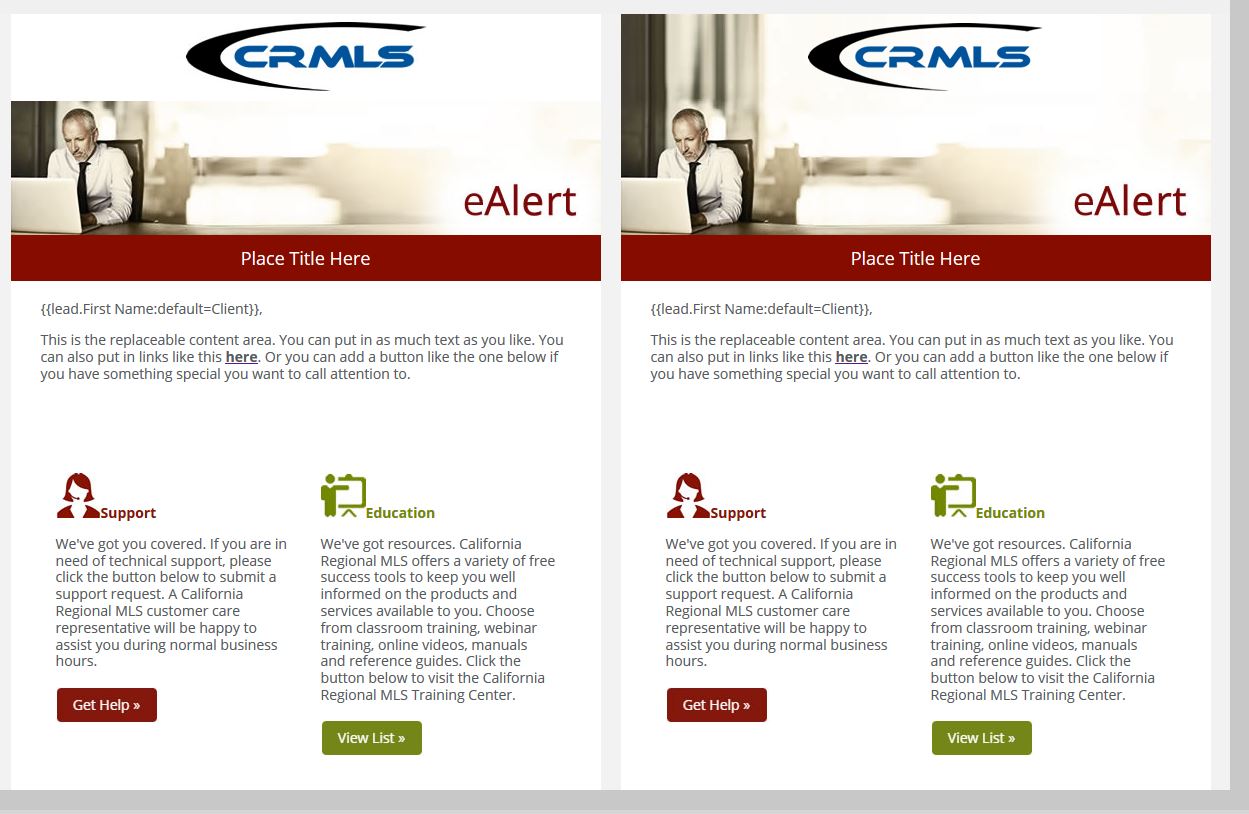
In our email header, we want the header image to extend into the logo area and have the snippets (transparent logos) overlay the background image. We currently have the logo area set as a snippet for the logos on a white background. I tried to apply a background image with html, but when I click "replace with snippet" on an email, the snippet completely overrides the code and the bg image disappears.
Sample of what we have vs what we want attached. Current on left (white bg) and future on right (extended image bg). Please advise.








 Adchoices