SOLVED

invisible ReCAPTCHA error

Go to solution
Anonymous
Not applicable

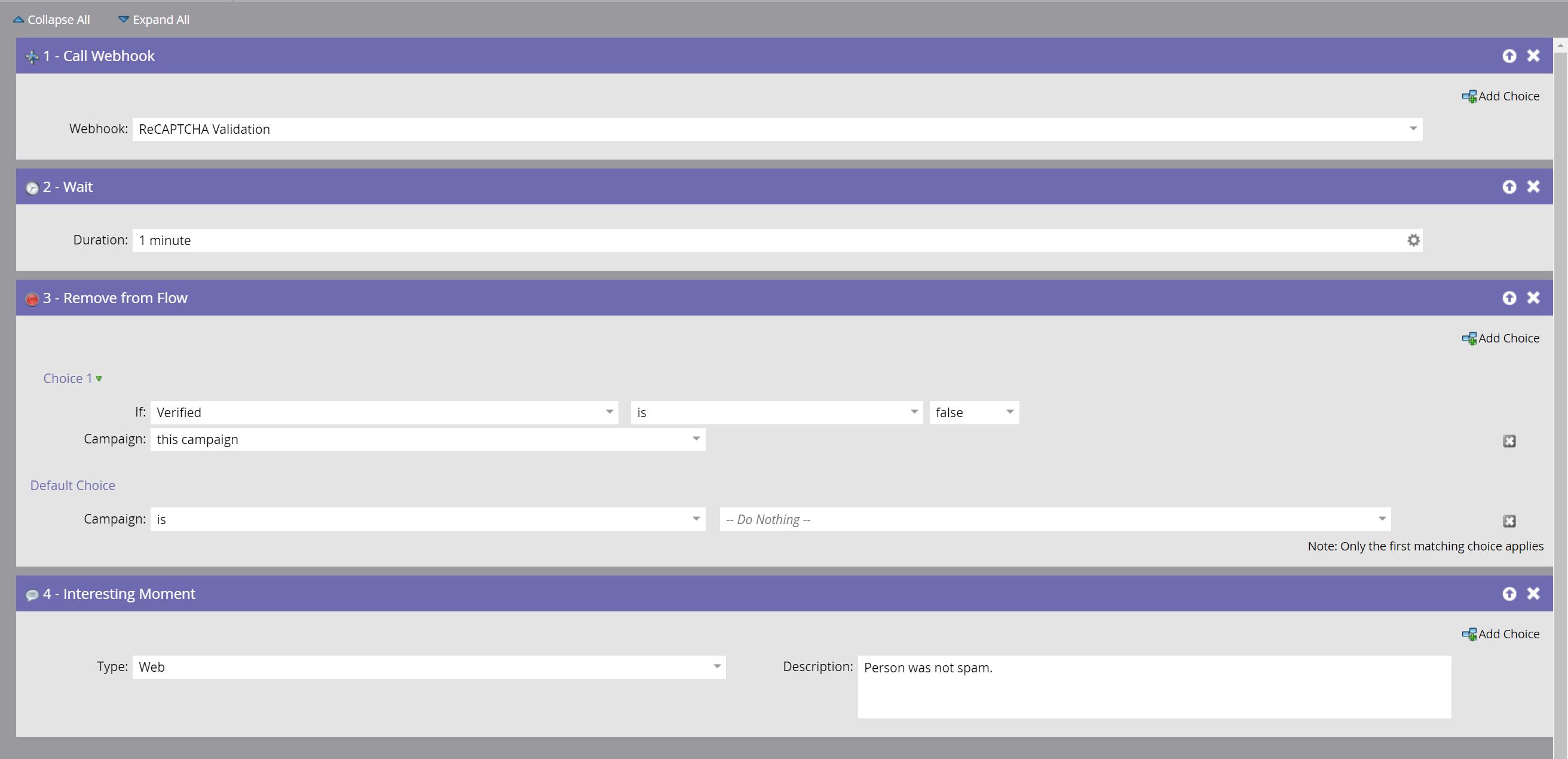
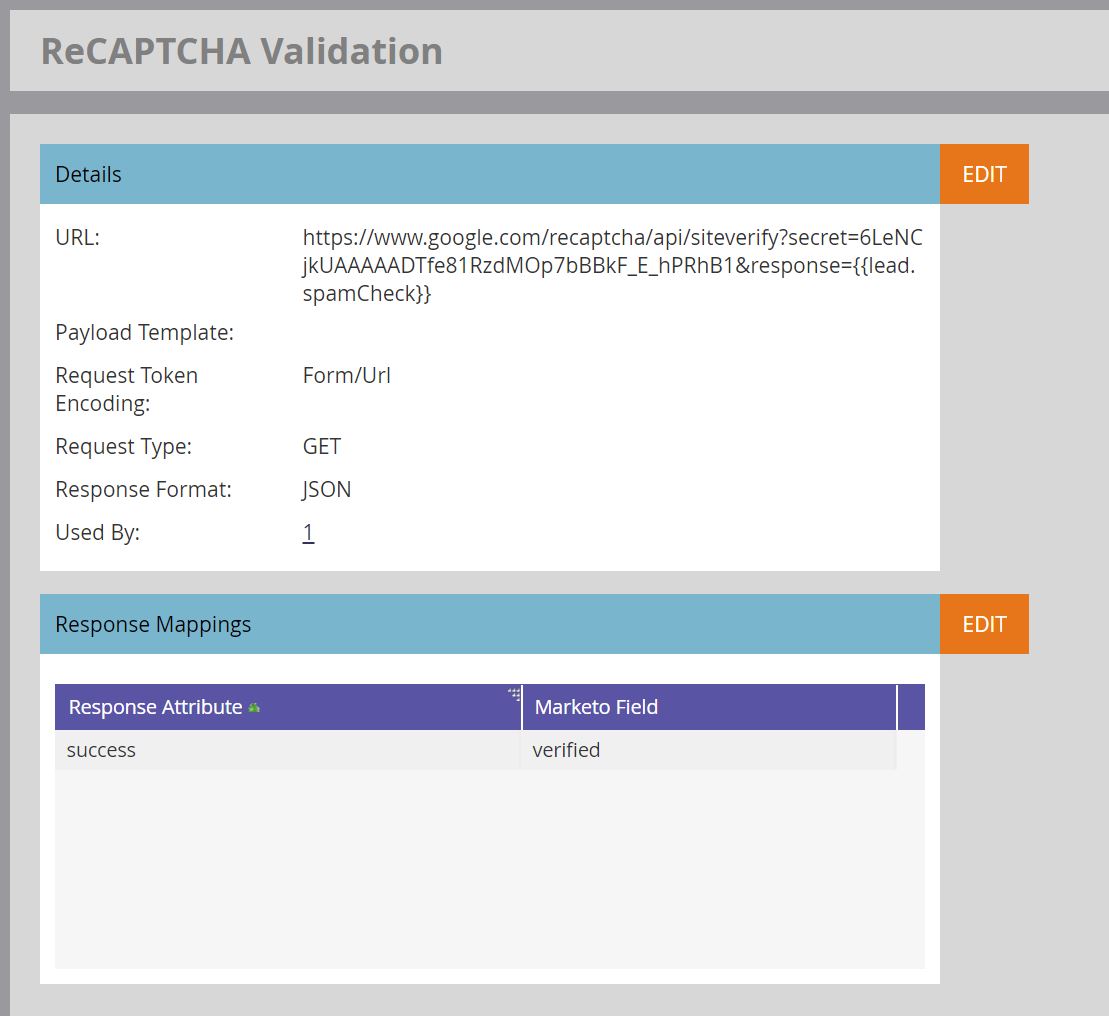
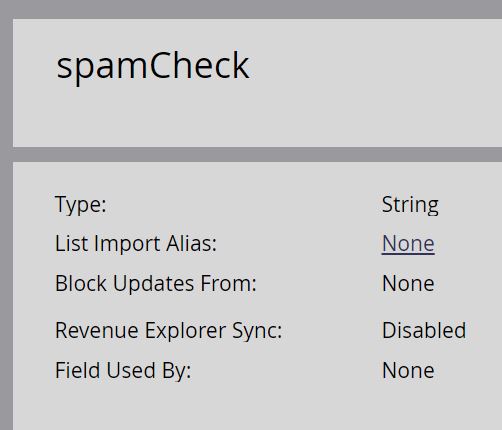
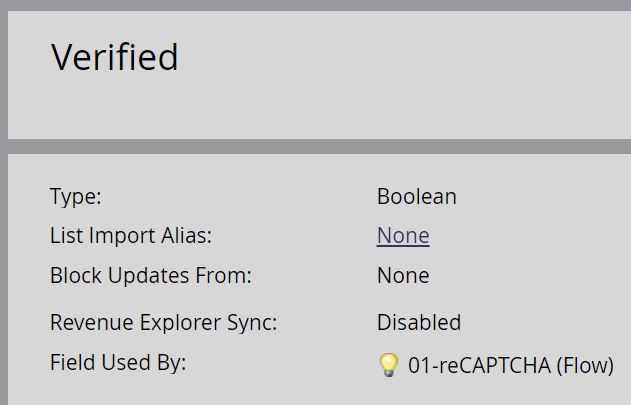
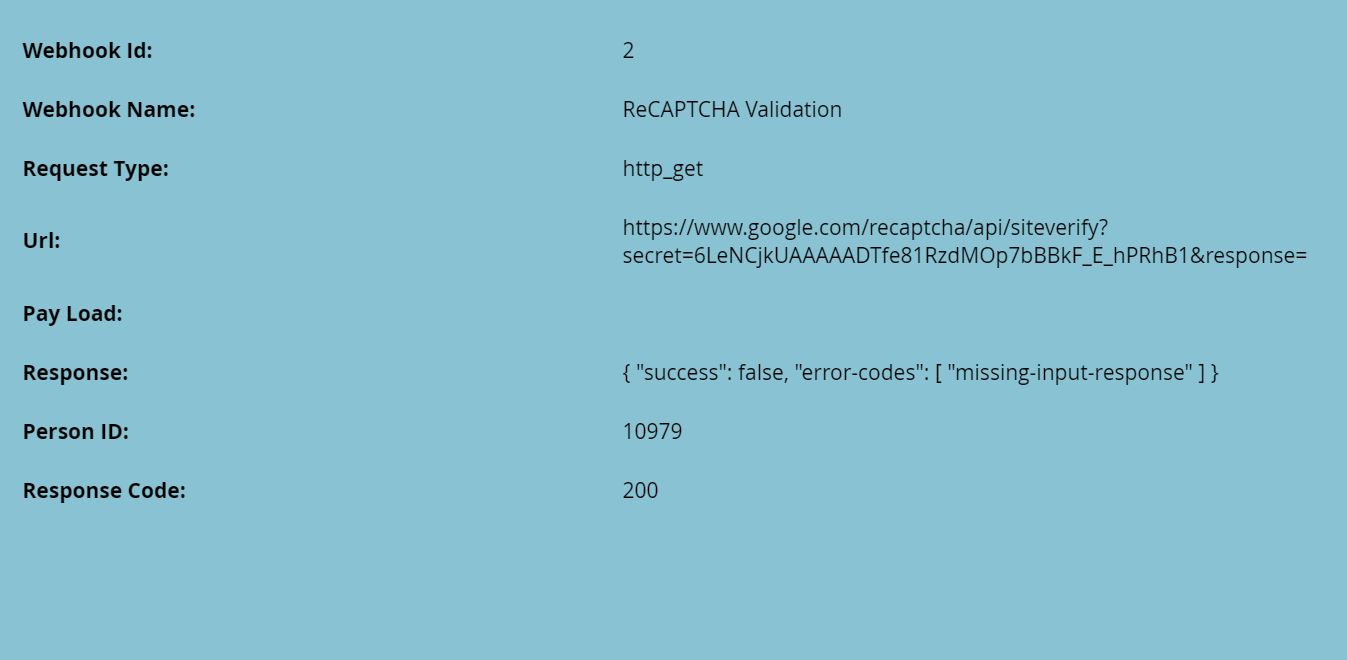
I've added the invisible ReCAPTCHA using Courtney Grimes' guide​ to our WordPress website. I keep getting the error "missing-input-response". Has anyone faced anything similar and perhaps have any tips to solve it? I've attached screenshots as suggested by Sanford Whiteman in a different user's comment. Here's the one of the live pages: Contact John Henry Foster

1 ACCEPTED SOLUTION
SanfordWhiteman
Level 10 - Community Moderator

It doesn't AutoFill, it gets filled via a JS call to vals().

The intent is that reCAPTCHA populates the hidden field under the hood. That field needs to be passed to the Google endpoint via webhook.

Note you don't actually have to add a hidden field to the form in Form Editor -- if you use addHiddenFields then it will be added automatically in the browser, even if it's never visible in Form Editor.  However, if you use vals/setValues (as your current code does) the field has to exist first.

View solution in original post

11 REPLIES 11