Hello,
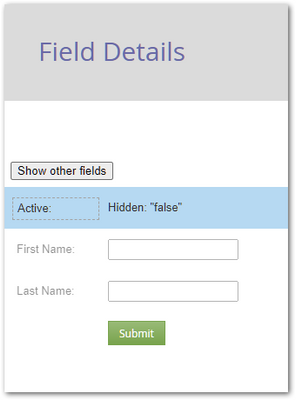
I was charged with creating a similar form to this:

Where it is presenting two options
1. either sign up for something or continue to the website.
I found the documentation example (https://developers.marketo.com/rest-api/assets/forms/examples/) for form submit on non-form click event and figured that was likely where I needed to be, but am facing a couple of challenges
1. How do I make the other fields visibility dependent on selecting the "sign up" option?
2. is this java script code living in a rich text field on the form or on the page where the form exists?
3. how do I assign the element ID? is that in the CSS editing section of the form editor?
Thanks




 Adchoices