Hi all,
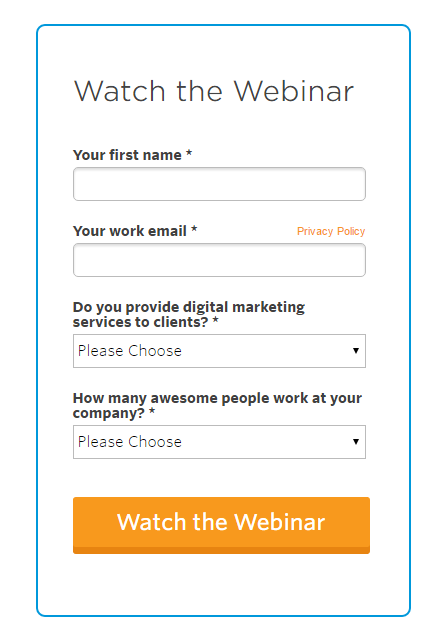
See attached image for what I am trying to accomplish.
Question:
How do you add a form border and custom button/edits in a marketo form? I can't figure out the proper CSS. (Not a programmer)
Thanks!
Solved! Go to Solution.
Two things I can see -- the CSS you're using to select the button isn't working because the .mktoButton element isn't contained within a .mktoSimple class -- the correct targeting to use would be:
.mktoForm .mktoButtonWrap.mktoDownloadButton .mktoButton {
Also, there's a number of styles from your page/template's <head> that are setting values for background (among other things). So I may have led you a bit astray earlier -- try switching background-color back to background, and see if the yellow color is applied.