Hi Devan,
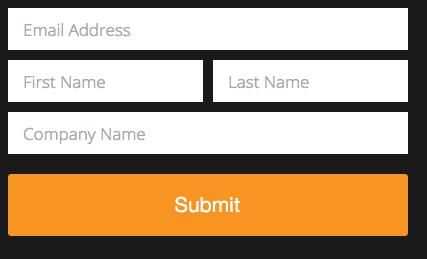
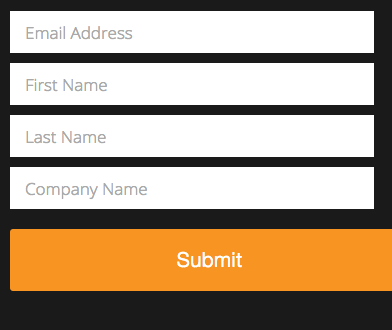
You assume correctly. The media query (<= 480px) is applying style rules for the fields.
It looks like some custom styles are being used for the button, but there is no change to the button width at the 480px breakpoint.
Luckily, it looks like the button's alignment is already correct, so you just need to copy the width of the fields (which is 100%).
The following media query and CSS rule should be what you need; I almost always use it with Marketo forms. Adding this to the page's CSS should do the trick.
@media only screen and (max-width: 480px) {
.mktoForm .mktoButtonWrap.mktoSimple .mktoButton {
width: 100%;
}
}
Let me know if this makes sense! Sorry for the code drop; I figured I might as well just hand it over.
Best,
Kyle



 Adchoices